AI Listing Image Generator: What It Actually Does When You're Launching Alone
Ask an AI listing image generator to turn your screenshot into a feature card, and it might hand back a confident callout pointing at a button that isn't anywhere in your product — because it never looked at the screenshot at all.
PPrashant Kumar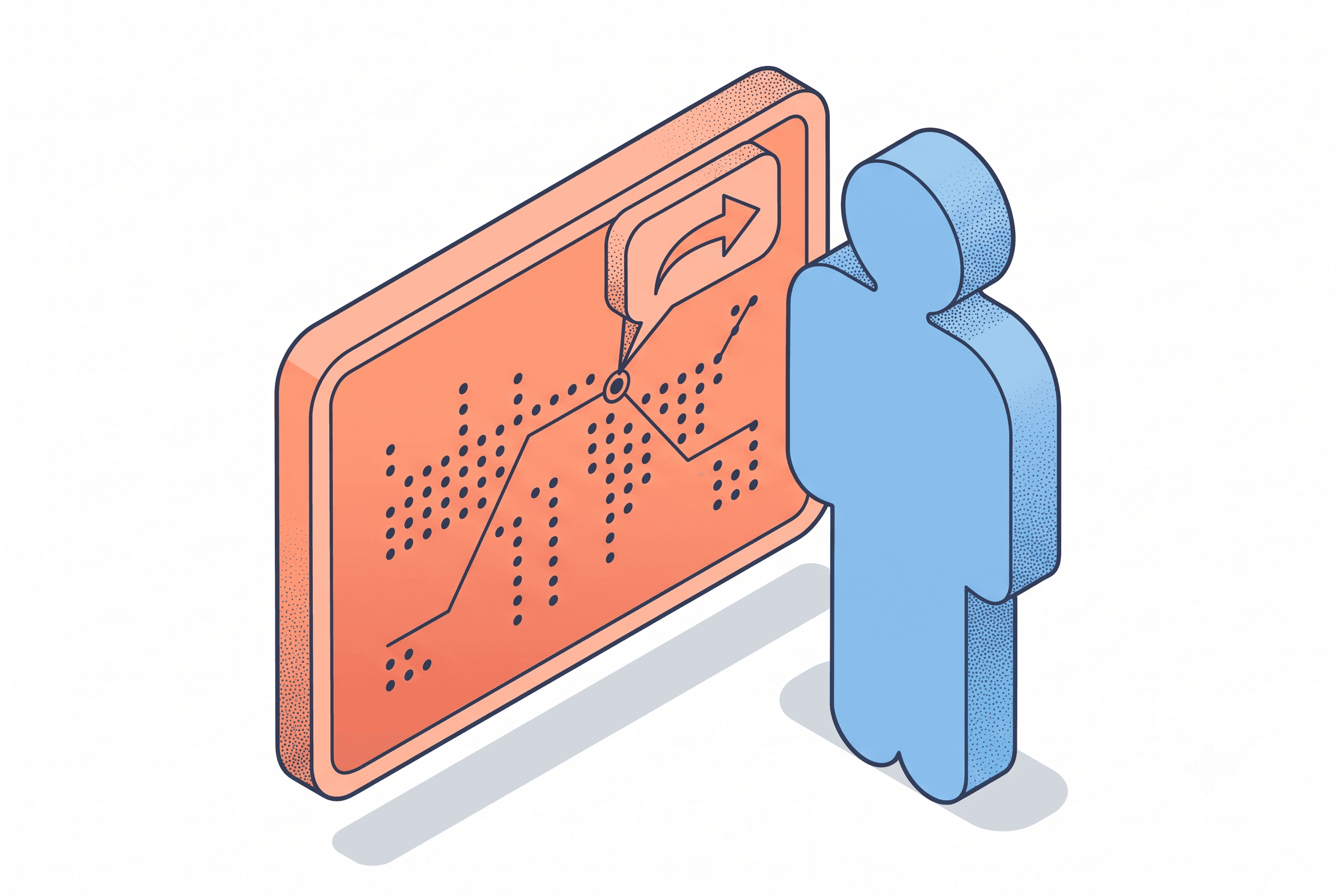
Most AI listing image generators draw from your prompt, not your actual screenshot — a strange thing to trust with a solo launch where the image is supposed to prove you built something real. The fix is a tool that looks at the screenshot first, then composes around what's actually there.
AI image generators will draw you a beautiful screenshot of an app you didn't build. Ask one to turn your actual screenshot into a feature card, and it'll hand back a confident callout pointing at a button that isn't anywhere in your product.
It's not guessing badly — it's not looking at your screenshot at all. It read your description of the feature, imagined an app that matched it, and drew that one instead. That's the blind spot in most tools marketed as an AI listing image generator — and it's a strange thing to hand a solo dev who's about to tell everyone on Product Hunt that they built this alone.
A mockup would have gotten away with this — a laptop frame just has to prove your product exists. A feature card can't. It has to show what a specific feature does, which means it has to know exactly where that feature lives before it can point at it.
The gap that only shows up when someone looks closely
Nobody scrutinizes a listing image on the first pass. People scroll past it in a few seconds, the way they scroll past most things. But your launch isn't one glance from one person — it's dozens of people on Product Hunt, in Indie Hackers threads, on Gumroad, deciding fast whether the product behind that one product visual is worth a click. Some of them zoom in. Some of them screenshot your screenshot and hold it up against the actual product page. And the traffic that matters most from a launch isn't even the launch-day number — it's the backlink and the months of search traffic after, which makes a listing image that holds up to scrutiny worth more than it looks like on the day.
That's where a mismatched AI-generated image stops being cosmetic and starts being a trust problem. You've spent weeks telling people you built this alone, in public, with the process visible. A marketing image showing a UI element that doesn't exist undercuts the one thing "I built this" is supposed to prove.
There's also the money problem underneath it. A designer for a one-time launch doesn't make sense at indie prices — you're not refreshing a product listing four times a year, you're doing this once and hoping it works. So the AI-generator route feels like the obvious answer: cheap, fast, no back-and-forth. Except when the output doesn't match the product, you're back to fixing it yourself in whatever's left of the evening, which was the exact cost you were trying to avoid. The tool didn't remove the design work. It just moved it later and made it more stressful.
And comment sections notice. Product Hunt threads and Gumroad reviews are full of people who point out the gap between a polished hero image and a rougher actual product — sometimes kindly, sometimes not. That gap reads worse when the image itself is inaccurate, because it stops looking like normal marketing polish and starts looking like the screenshot was staged. If your listing stalls after launch, a mismatched feature card is one of the first things worth ruling out, starting with whatever's above the fold.
Why a better prompt doesn't fix it
You can write the most detailed prompt in the world — exact copy, exact feature name, exact placement — and a general-purpose image generator still won't put a callout on the real button. It doesn't have your screenshot's pixels in front of it. It has your words, and it fills in the rest from every screenshot-shaped thing it's ever been trained on.
That's a structural limitation, not a prompting skill problem. A 2025 benchmark out of the University of Szeged tested how accurately major text-to-image models render structured, exact content — code, diagrams, layouts with specific labels, the kind of precision a real UI screenshot needs. Stable Diffusion scored 1.25 out of 5 on text accuracy for code-heavy content, and Ideogram, a model built specifically to handle text well, only reached 1.75. Ask any of them to draw your actual settings panel from a written description, and the odds are against you.
What has to happen for the callout to be real
Getting a feature card right takes two separate jobs, not one.
Something has to look at the actual screenshot first — not a description of it — and figure out exactly where the feature you're describing lives on the screen. That's a vision problem: read the pixels, find the region.
Then something has to build the image around that real location: headline, supporting line, background, the callout bubble and its curved arrow, sized for wherever it's going — Product Hunt, Gumroad, Uneed, whichever you're launching on first.
Skip the first step and you get a pretty image of an app that isn't yours.
Where ListPro fits into this
This is what ListPro's Feature Card tool is built to do, and it's worth naming the mechanism instead of just the promise. It runs your screenshot through Claude's vision model first, which locates the actual UI area your feature description points to, then composes the headline, copy, and callout around that real spot — not a guessed one. One generation covers all five target platforms at once, resized for each, so you're not manually rebuilding the same card for Gumroad and then again for Etsy. The free plan gets you 100 credits — enough for 10 watermarked cards — so you can see the mechanism work before you pay for anything; credit packs start at $9 for 200 credits (about 20 feature cards) with no watermark and no subscription.
You're not paying for a nicer-looking image. You're paying for a tool that actually looked at your product before it drew one.
The one question worth asking
Whatever you call the category — AI listing image generator, feature card tool, feature image maker, screenshot beautifier — the test is the same. If it's working from your prompt, it's guessing at your product. If it's working from your screenshot, it's describing something real.
Try it on the ugliest, most cluttered screen in your product before launch day, not the cleanest one. That's the screen a generic tool would never have gotten right anyway — and it's the one your actual users are going to see the first time they open the app, so it might as well be the one your listing image gets right too.
Related posts
Ready to build your own launch kit?
Generate feature cards, cover images, and launch videos for Product Hunt, Gumroad, and Shopify App Store — or start with a free tool, no signup required.