Why Your Gumroad Listing Isn't Converting: A Diagnostic for Indie Makers
A listing that isn't converting almost never has one thing wrong with it — it has one thing wrong that's easy to find if you know where to look first. Start with the cover.
PPrashant Kumar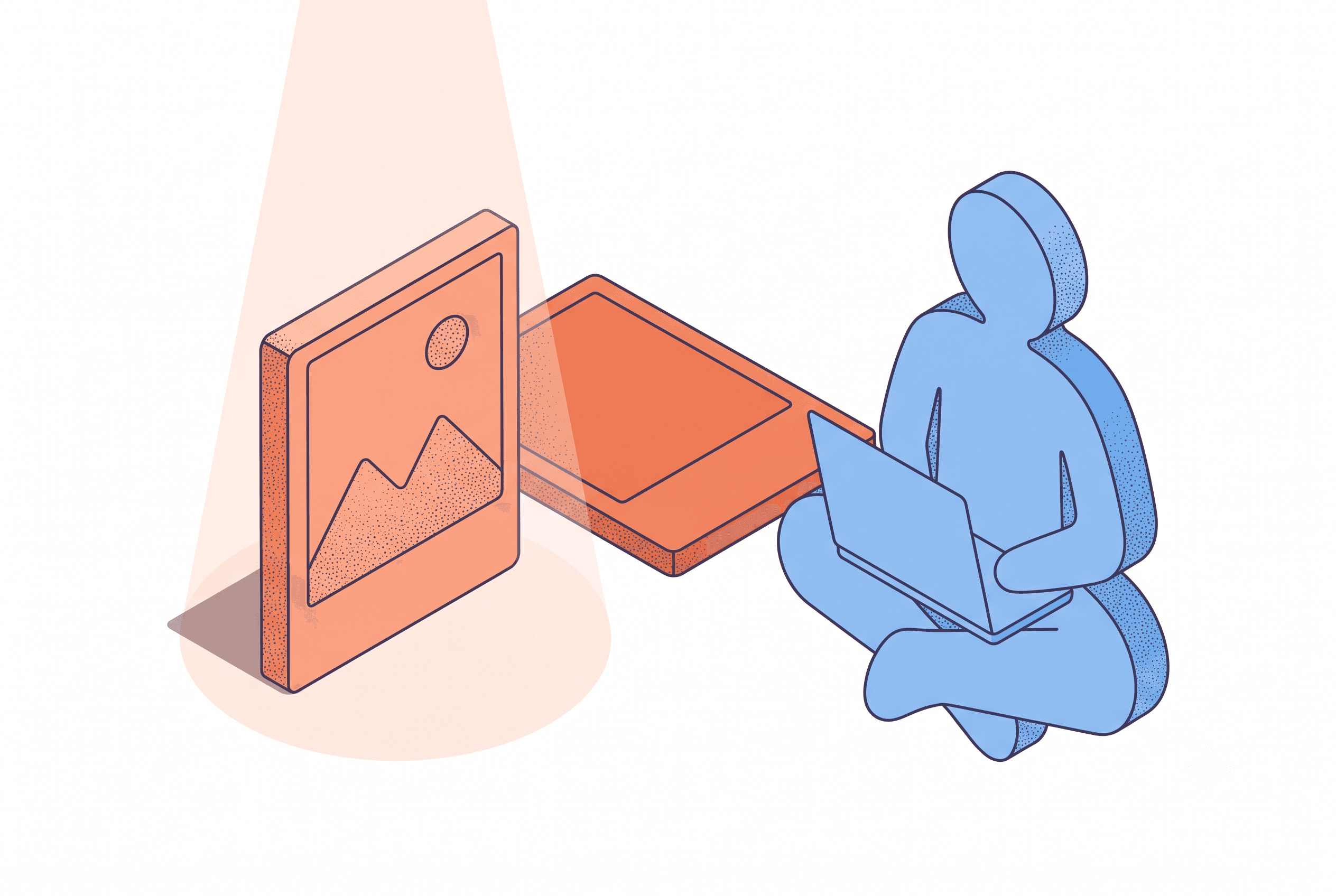
A screenshot and a converting cover aren't the same object, even though Gumroad lets you upload either one in the same slot. Swap the cover first, wait for real traffic, and only then touch the description or price.
You know the move. Post the launch link, then refresh the Gumroad dashboard every few minutes like watching a kettle, willing the sales number to catch up with the click number. It never catches up in real time. That's not how dashboards work. But you refresh anyway.
Here's the useful version of that same impulse: stop refreshing and start reading the gap for what it is — a clue about one specific part of the page, not a verdict on the whole product. A listing that isn't converting almost never has one thing wrong with it — it has one thing wrong that's easy to find if you know where to look first.
The Cover Image Is Doing More Work Than You Think
Gumroad's own numbers say listings with a cover image convert at more than double the rate of listings without one. You already have a cover, obviously — you uploaded a screenshot, because that's what "add a cover image" seemed to mean. But a screenshot and a converting cover aren't the same object, even though Gumroad lets you upload either one in the same slot.
The convention on Gumroad is that the cover is the sales pitch, not a preview of the interface. It's the thing that shows up when your link gets dropped into a Discord server or an X reply — the thumbnail crop, the share card, the first four seconds of attention before someone decides whether to click through. You're not a designer, but you don't need to be one to know the difference between a screenshot and a pitch. One shows what the product looks like. The other tells someone why it matters to them in the next two seconds.
A cover that's actually pitching has three things a raw screenshot skips:
- A headline built around the outcome, not the feature list — "Ship your Chrome extension in a weekend," not "Extension Starter Kit"
- The screenshot composed and framed, not pasted edge to edge like a bug report
- Enough contrast to survive being shrunk to thumbnail size, since that's how most people see it first
If your cover is the same raw capture you used for the Product Hunt gallery, that's suspect number one. Not your description. Not your price. The cover.
Then Check the Description — Once You've Given the Cover a Real Shot
Here's the part that's easy to skip when you're solo and impatient: swap the cover, then wait. A few days of real traffic, not a gut check an hour later. If you rewrite the description at the same time, you'll never know which change actually did anything, and you'll be back here in a month running the same guesswork.
Once the cover has had its shot, look at the description with one question in mind: does it read like you're proud of what you built, or like you're explaining what someone gets? "Built alone in three weeks" is a story for your launch post. On the listing itself, buyers want to know what changes for them — what they stop doing, what gets faster, what they no longer have to build themselves.
Price Is Usually Not the Problem — It Just Feels Like the Fastest Fix
Dropping the price is tempting because it's a one-click change and it feels like doing something. But a price drop tangled up with an unchanged cover and an unchanged description tells you nothing except that you're now making less money on the same problem.
Isolate one variable at a time, in this order: cover, then description, then price. The cover is the highest-leverage change and the fastest to test — swap it, hold everything else still, and watch the views-to-sales ratio for a few days before touching anything else. For what it's worth, broader research on Gumroad pricing found listings in the $30–49 range converting meaningfully better than anything under $10 — so if you priced low assuming cheap means easier to sell, that instinct is worth revisiting once the cover and copy are no longer suspects.
What This Looks Like at 11 PM, Solo, No Budget
You're not hiring a designer for a $19 Notion template. That's the reality most advice ignores — it assumes a budget or a team that isn't there when you're building something alone and shipping it the same week. So the fallback becomes Canva, a font that doesn't quite match the product, and a cover that goes up an hour before launch because there wasn't time to iterate on it.
That's fine as a first pass. It's not fine as the permanent cover, because the diagnostic above only works if the cover you're testing is actually a pitch and not a placeholder you meant to fix later and never did. Check the date you last touched it. If it's older than your last three launches, it's probably still the placeholder.
The Night-Before-Launch Version of This
If you're reading this the night before a launch and the cover is still just a screenshot, this is the one thing worth fixing before anything else on the checklist. List Pro's Cover/Hero Image tool takes that screenshot and a short line about what the product does, and builds the actual pitch — headline plus a composed screenshot arrangement, sized to Gumroad's 1280×720 cover spec so there's no last-minute resizing or guessing whether the text survives the thumbnail crop. It's built specifically around this cover-does-sales-work convention, not a generic image export.
The click-to-sale gap isn't a verdict on whether the product is good. It's one data point on one variable you haven't isolated yet — so close the dashboard tab and go check the cover instead.
What does your cover say about your product in the first two seconds, before anyone reads a word?
Related posts

Ready to build your own launch kit?
Generate feature cards, cover images, and launch videos for Product Hunt, Gumroad, and Shopify App Store — or start with a free tool, no signup required.