Product Hunt Gallery Images
Create Product Hunt Gallery Images From Your Screenshots
ListPro is a Product Hunt gallery image maker that turns your product screenshots into a coordinated Product Hunt launch gallery — cover image, feature cards and gallery images, ready in minutes.
Create Launch ImagesNo design skills needed · Gallery-ready in minutes
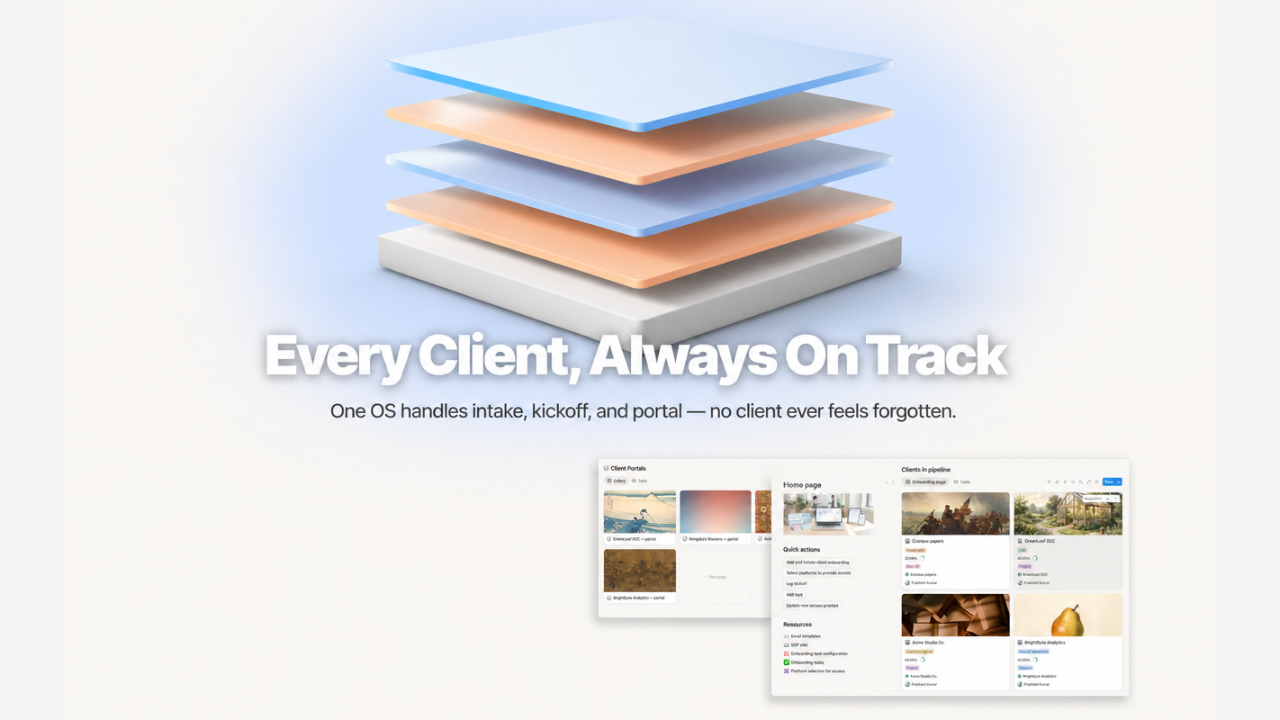
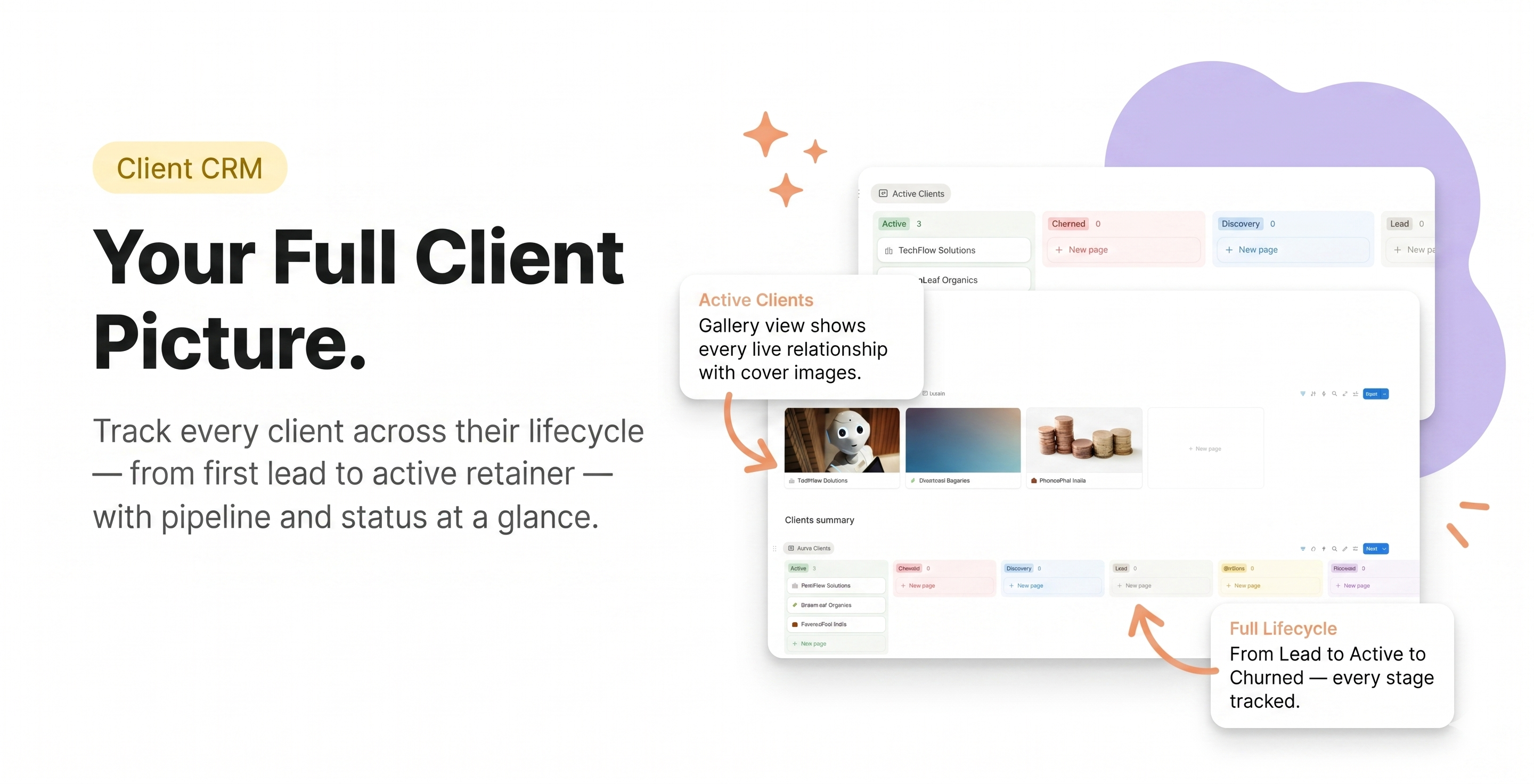
See the Visual Assets ListPro Creates
Gallery Images4 EXAMPLES
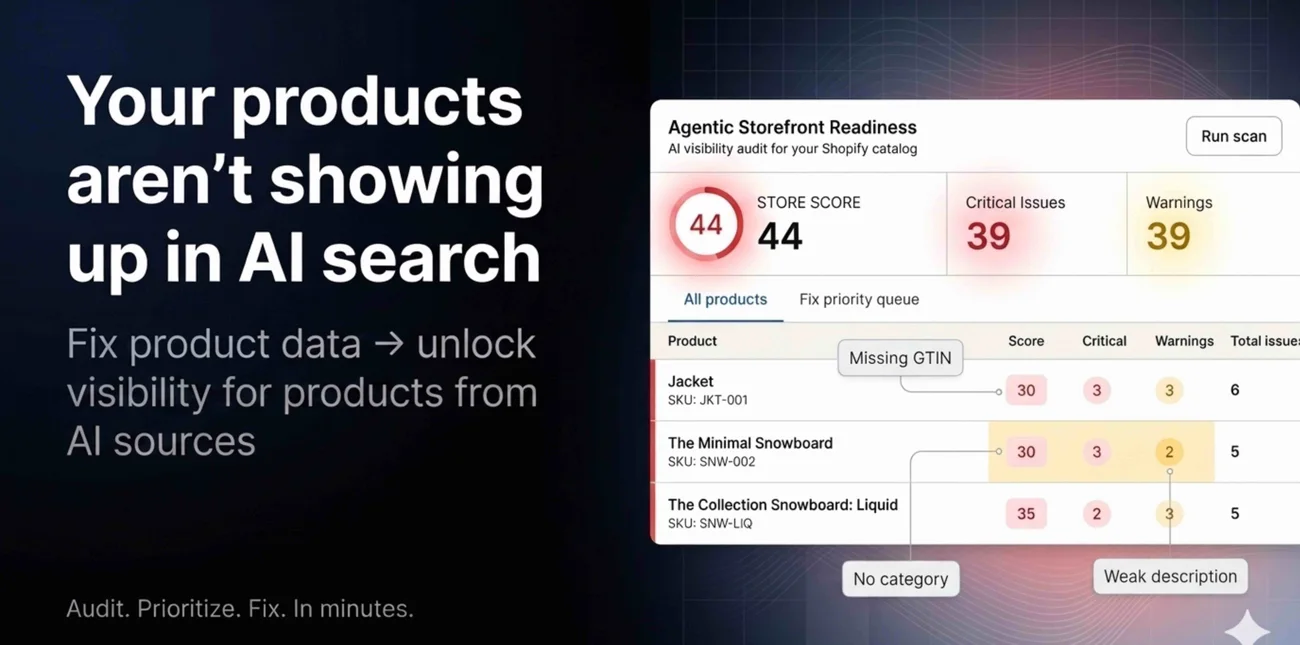
GALLERY IMAGE
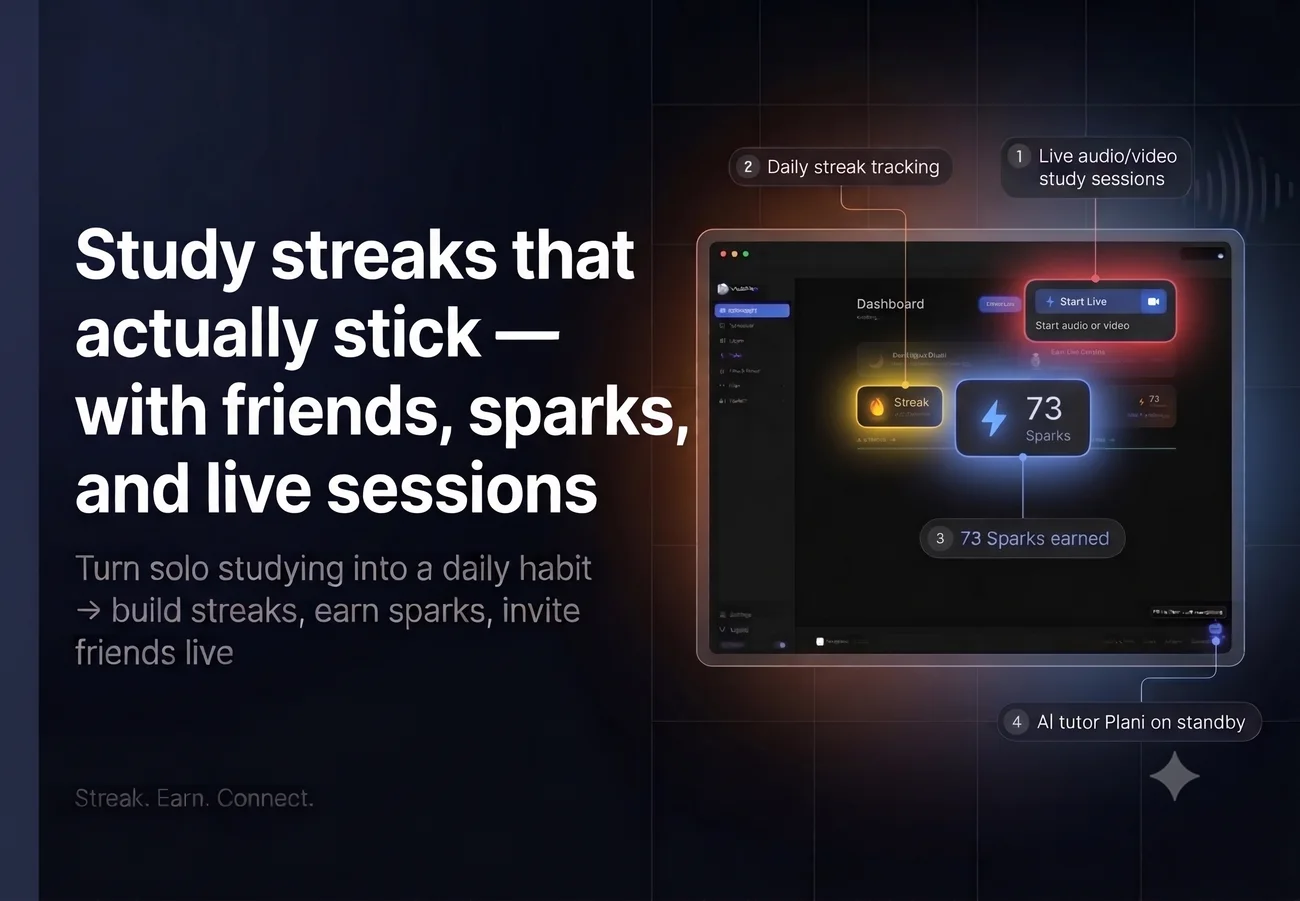
GALLERY IMAGE
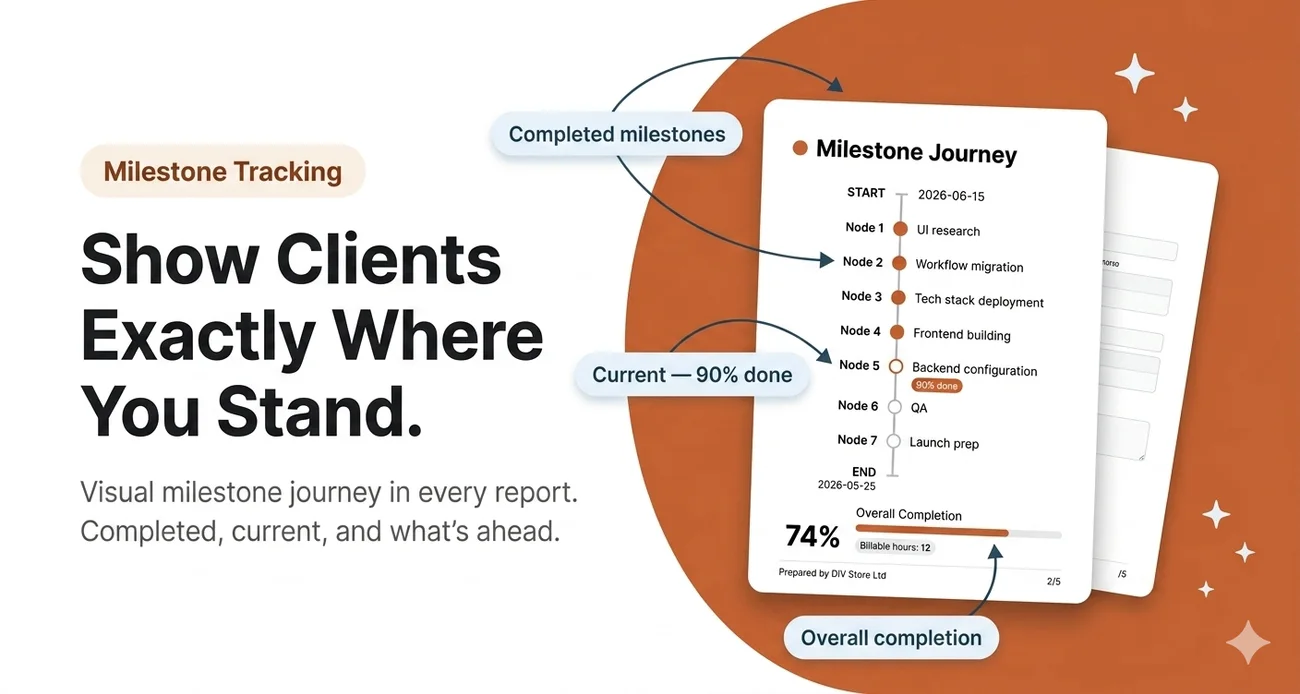
GALLERY IMAGE
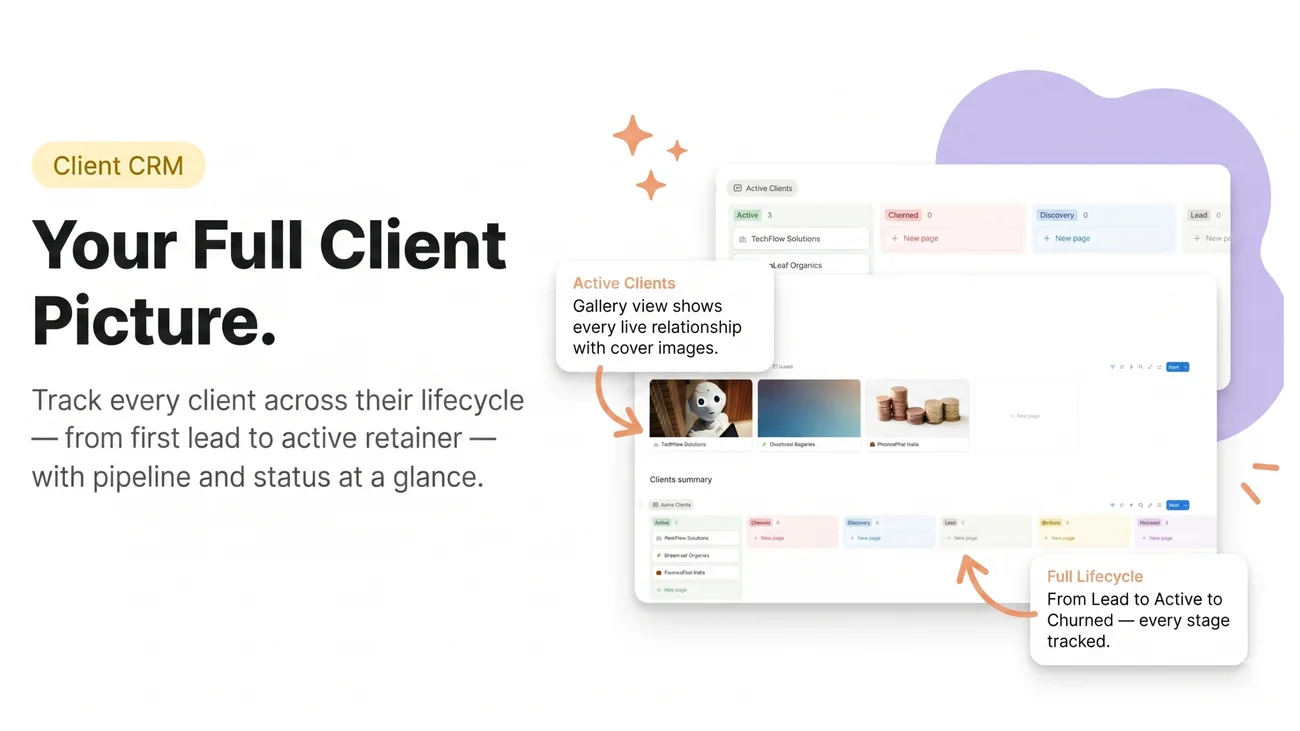
GALLERY IMAGE
Cover Images2 EXAMPLES
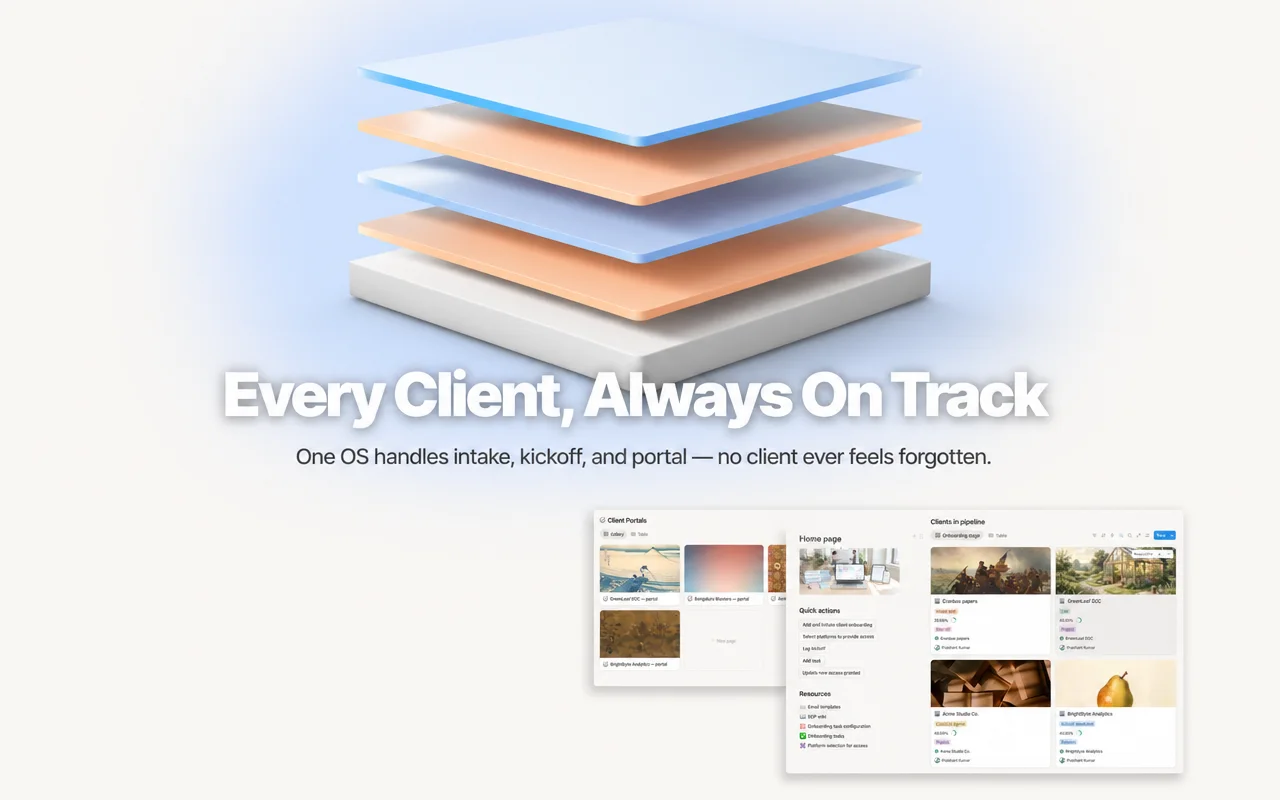
COVER IMAGE
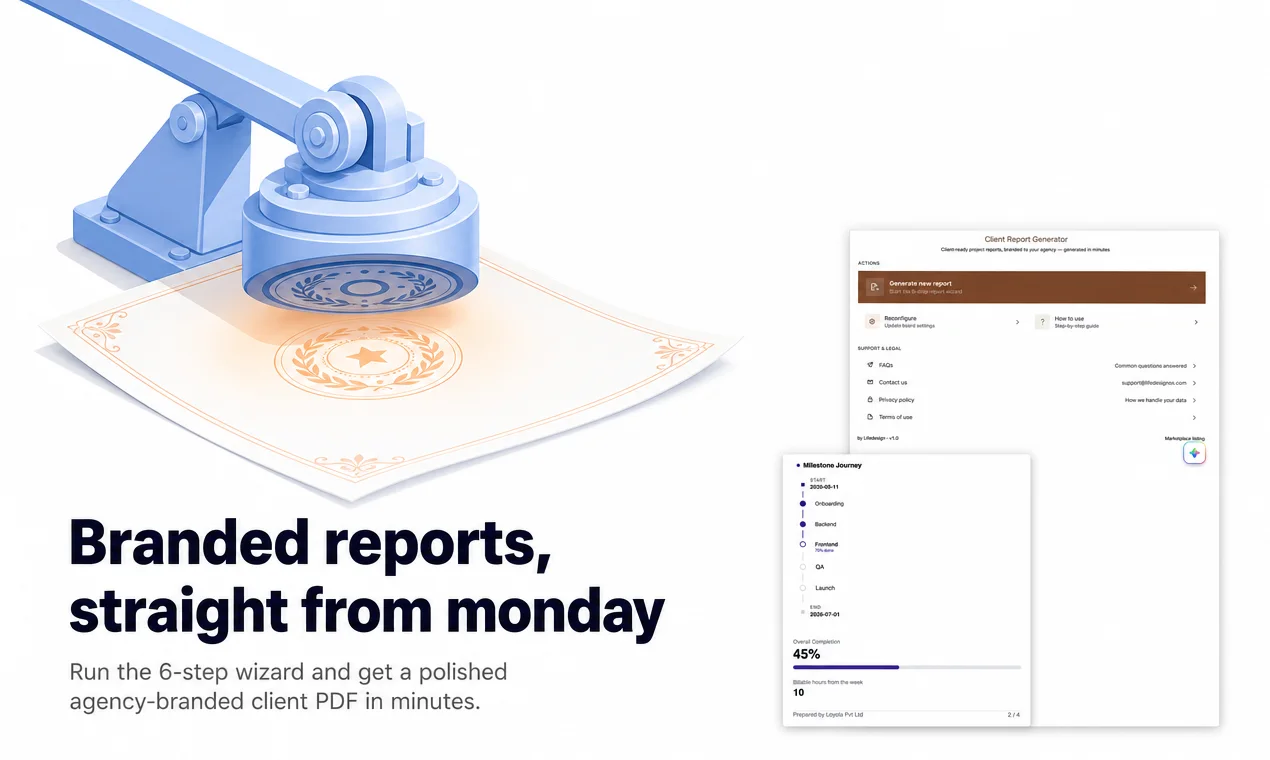
COVER IMAGE
How to Create Product Hunt Gallery Images
1
Add your product
Paste a URL or upload your raw screenshots.
2
Upload screenshots
Drop in the raw screens you want to feature.
3
ListPro understands your features
It reads your product and writes the feature message for each screen.
4
Download launch-ready assets
Get a coordinated gallery sized for Product Hunt.
What Should Your Product Hunt Gallery Include?
A complete, coordinated gallery — not five unrelated screenshots.
✓Product Hunt gallery images
✓Feature cards
✓Cover image
✓Full launch kit
✓Consistent launch visuals
Product Hunt Gallery Image Size
Product Hunt officially recommends 1270×760 for gallery images and requires at least 2. Here is what ListPro handles automatically.
Gallery image size
1270 × 760 px (1.67:1)
Minimum gallery images
2, most launches use 5–8
Thumbnail size
240 × 240 px, square
File format
PNG or JPG, GIF for motion
File size limit
Under 3MB per image
What ListPro handles automatically
✓Square 240×240 thumbnail ready
✓5–8 gallery images at 1270×760
✓Strongest screenshot shown first
✓Minimal, readable text overlays
✓Consistent visual style across images
Why Use ListPro Instead of Designing Everything Manually?
From Screenshots to Launch-Ready
Before
→
After ListPro
Frequently Asked Questions
Your Product Hunt Launch Assets Are One Upload Away
Upload your screenshots and let ListPro turn them into a complete Product Hunt gallery.
Create My Launch Images